 Claude
 ChatGPT
 Gemini
There is no single tactic that guarantees searchability on LinkedIn. However, there are a few steps that, when combined, can ultimately lead to your name appearing at the top of the results page, whether on LinkedIn or Google SERPs.
One of the most reliable ways to get there is SEO.
Over a billion people use LinkedIn worldwide. What you do is done by thousands of others. How you do it is still shared by hundreds of people. Which means that if you want to stand out and become the person your ICP or next high-caliber hire naturally gravitates toward, you need to optimize for LinkedIn SEO. It is how you turn your profile into the landing page that appears when the right person types in the right query.
Let’s break down how to approach LinkedIn SEO the right way, without turning your profile into a keyword dump.
What Is LinkedIn SEO?
In digital marketing, SEO refers to the actions that help you rank higher on search engines.
The same logic applies to LinkedIn, because LinkedIn has its own search engine too.
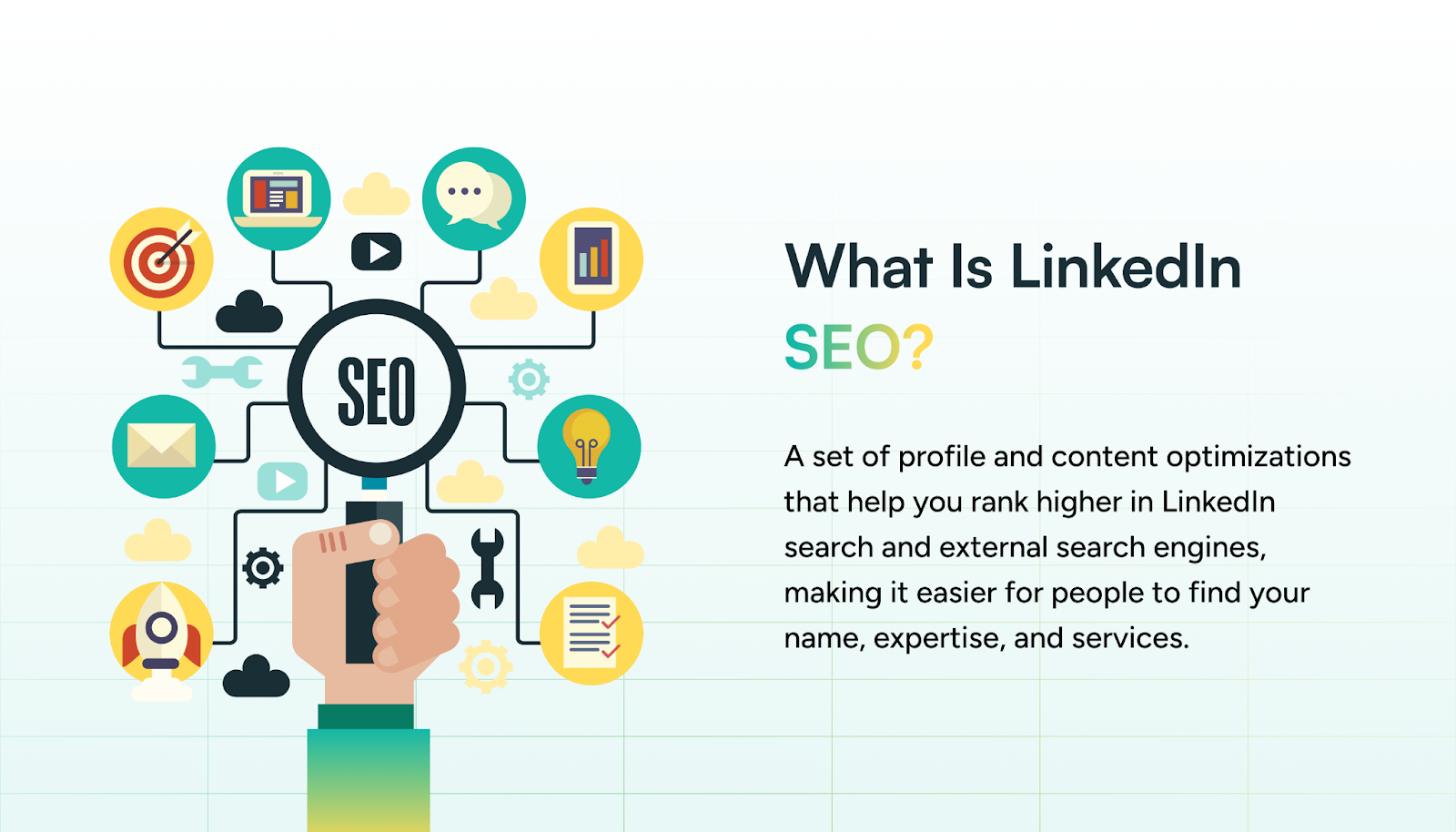
LinkedIn SEO is the practice of optimizing your profile so that it ranks higher when someone searches for your name, role, expertise, or services, both on LinkedIn and on Google.
As an executive, your goals often include building thought leadership and staying top of mind for your ideas, your expertise, or the services you offer. LinkedIn is also one of the most active talent pools, and the right profile can attract some of the strongest hires you will ever make. That kind of visibility does not happen by chance.
Small, strategic changes to your LinkedIn profile can help you rank higher and maintain that visibility over time.
Why LinkedIn SEO Matters More Than You Think
Optimizing for SEO means tapping into the first thing people do when they want to learn about something: search.
But being found by the wrong audience is as unhelpful as not being found at all.
When done well, LinkedIn SEO does not simply drive traffic. It attracts the people who are most likely to benefit from your expertise.
Take a sales coach, for example. Their target audience might overlap with that of a Fractional CMO. But to stand out, their profile needs to clearly reflect what they do, using terms like Startup Sales, Sales Coaching, or B2B Sales. These keywords help filter out the irrelevant and zero in on who actually needs you.
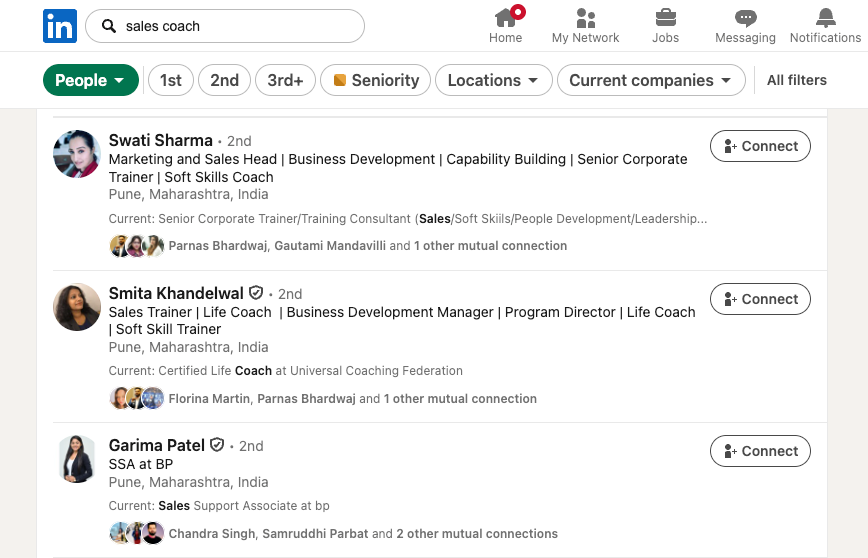
That’s what good LinkedIn SEO does. It aligns every part of your profile with what your ideal customer is searching for, and it positions you as the trusted option the moment they begin looking. Each section of your profile contributes to that discoverability and trust.
How to Choose the Right Keywords for LinkedIn SEO
Most of what we do in LinkedIn SEO comes down to using the language of your industry strategically and consistently. It’s about incorporating relevant messaging and terms without forcefully stuffing keywords in. These can include common phrases or jargon used in your space. But more importantly, they should align with what your ideal audience is actually searching for.
For example, if you’re a fitness coach, you might naturally talk about calorie deficit, portion control, or strength training; those are your industry terms. But your audience may be searching for things like weight loss, diet plans, better health, or even issues like knee pain or infertility.
So it’s about finding the right balance between what you want to say and what they’re searching for.
But how much of this can you really assume? That’s where SEO tools come in. They give you tangible, data-backed lists of the keywords you should be using.
Here are a few tools to help:
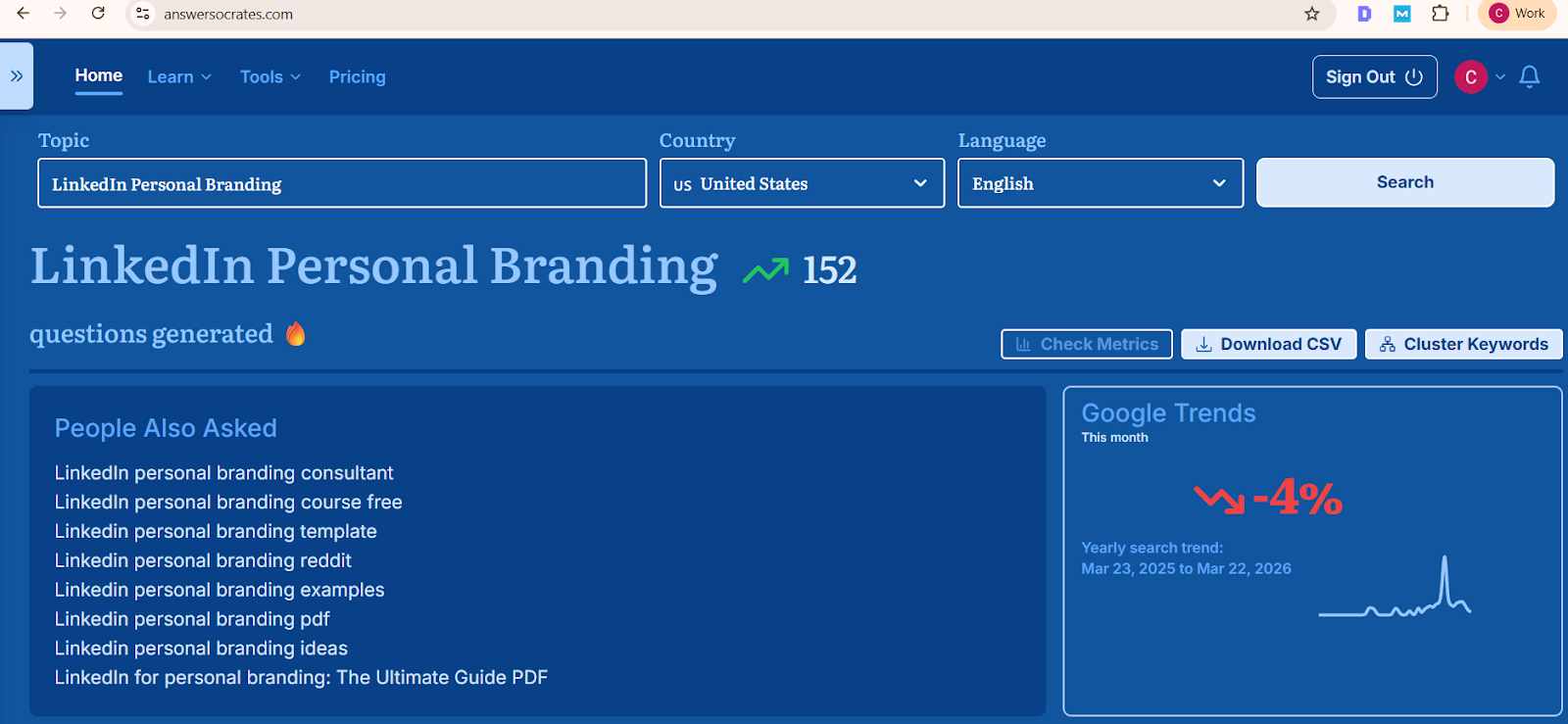
- Answer Socrates: A free tool that shows real questions and phrases people search on Google, based on autocomplete data.
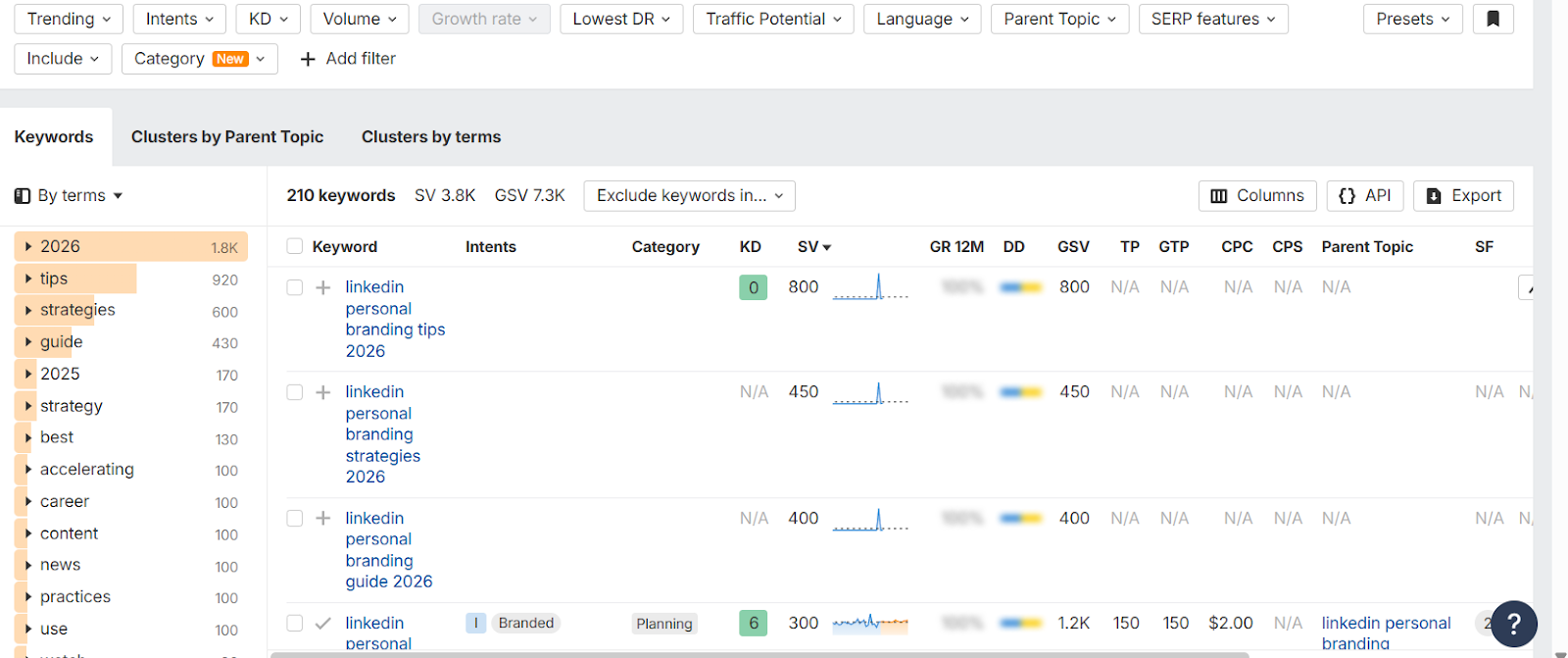
- Ahrefs: A robust paid tool offering keyword volumes, difficulty scores, and SERP data. A great choice for advanced users.
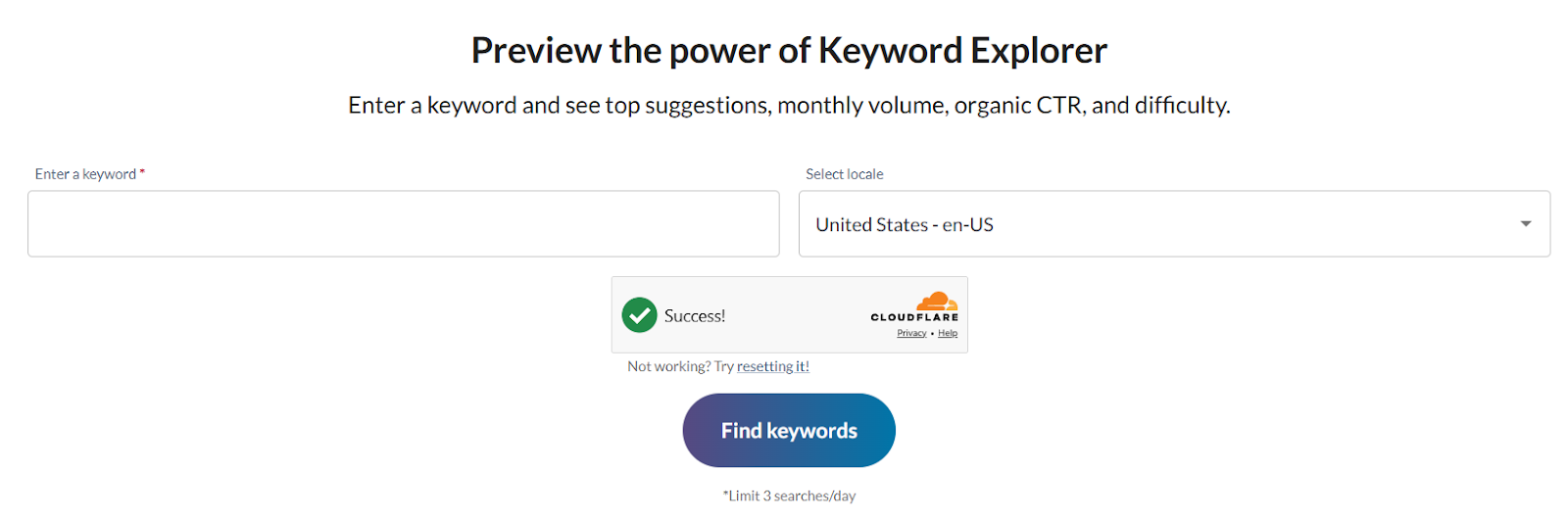
- Moz Keyword Explorer: Helps you discover related keywords and analyze competition. Offers a beginner-friendly interface.
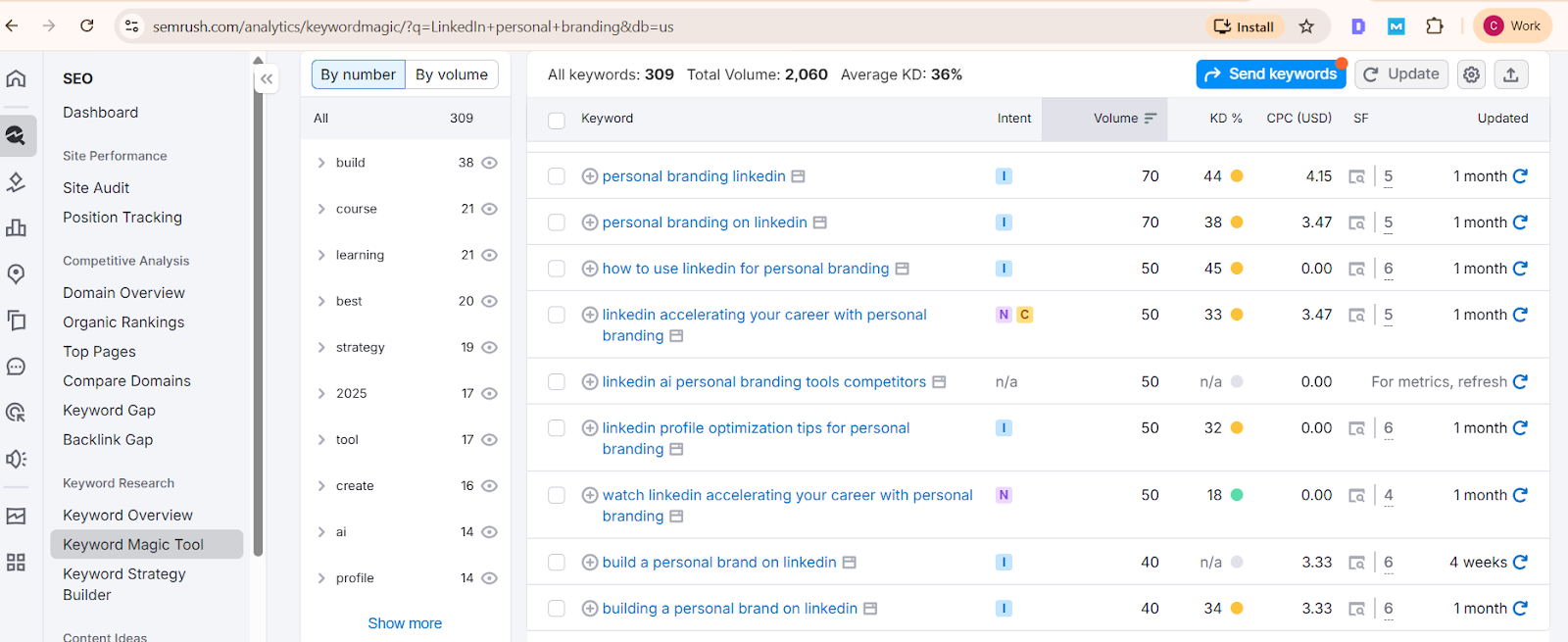
- Semrush: Another advanced paid tool that provides keyword trends, content gap analysis, and competitor research.
- Google Keyword Planner/Search Console: Free tools that show how people are finding your content through search, and what terms they’re using.
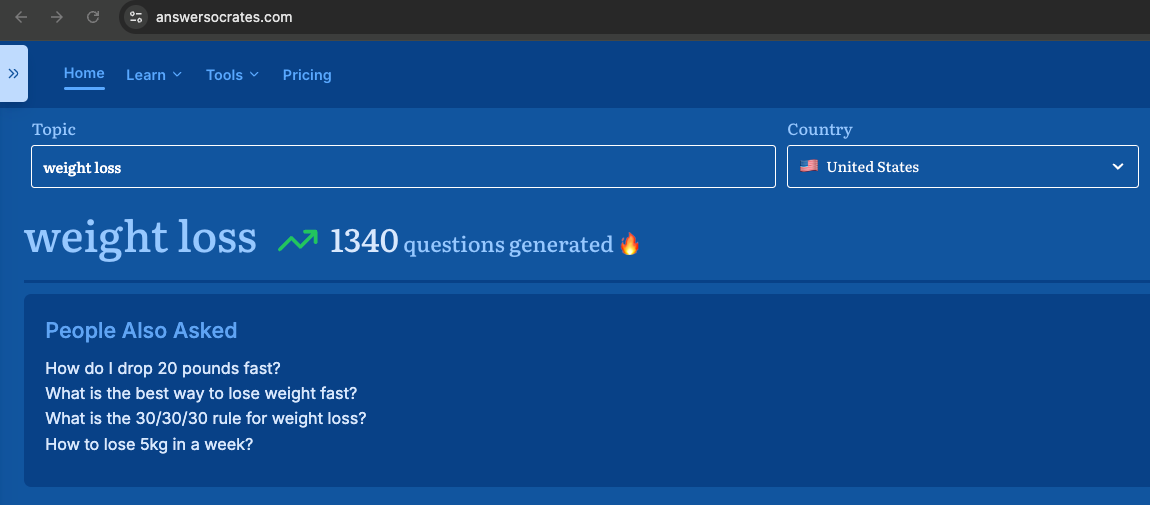
While these tools are traditionally used for website SEO, many of the insights translate well to LinkedIn, especially when you're writing posts, headlines, or your About section.
LinkedIn SEO is more about speaking the same language as your audience types into the search bar, and doing it across your profile and content in a natural, consistent way.
External Links in LinkedIn SEO
In traditional SEO, external links and backlinks are crucial for building authority and improving visibility. But how does that apply to LinkedIn?
You may have noticed that LinkedIn tends to favor native content over posts that direct users off the platform. Naturally, LinkedIn wants people to stay engaged on LinkedIn, not leave it.
Quick Tip: If you need to share a link, place it in the comments or include it in a LinkedIn article, where it won’t impact post visibility as much.
Why External Links Still Matter
1. Builds Credibility
When you link to trusted sources, research, or reputable tools, you show that your insights are backed by evidence. It strengthens the authority behind your point of view.
2. Enhances User Experience
If a reader wants to learn more, a well-placed link saves them the hassle of searching.
3. Provides Context
Links to supporting content give readers the full picture, especially when you're referencing data, frameworks, or external case studies.
4. Drives Targeted Traffic
Sharing links to your own website, lead magnets, or articles can bring valuable traffic. It just needs to be done strategically.
However, refrain from stuffing external links. LinkedIn SEO is less about how many links you include and more about how relevant and purposeful your content is.
Stuffing your profile or posts with random links can dilute your message and turn people away. Use links where they truly add value or depth. Prioritize internal linking when possible (e.g., linking to your own LinkedIn articles or other posts).
For external resources, add them in the comments, a newsletter, or your featured section.
SEO in Profile Optimization
You have probably seen countless posts telling you that optimizing your profile is the first step in building a personal brand on LinkedIn. So let’s skip the basics and go straight to where SEO fits into the picture.
While you align your messaging with the pain points of your ICP, make sure you’re also mindful of the keywords that help you show up in the right searches. You can identify them through the tools we mentioned earlier and through a bit of focused research.
Start with questions like:
- What does your ICP type in when they’re looking for someone like you?
- How does a potential employee search for opportunities?
- What do you want to be known for?
- How are your competitors positioning themselves?
Headline
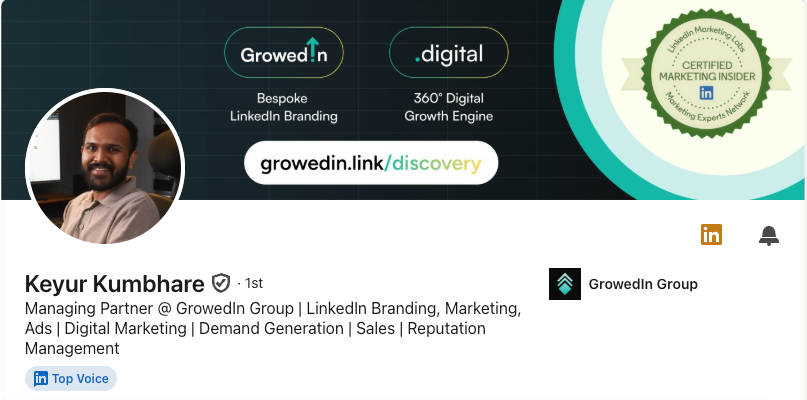
While you focus on creating a headline that’s easy to understand, you also need to make sure it aligns with LinkedIn SEO.
Let’s look at an example: “I help grow your business”
This headline is simple, but it doesn’t tell us who you are, what exactly you offer, or which industry you work in. These missing details are important for SEO.
Now compare it to:
“Business Consultant for B2B Startups | Helping SaaS Founders Scale from $1M–$10M ARR”
This version communicates:
- Who you help (B2B startups, SaaS founders)
- What you offer (business consulting, growth strategy)
- Relevant keywords for your industry (ARR, SaaS, scale)
Other strong headline examples include:
“Fractional CMO | GTM Strategy for Early-Stage AI Startups”
“Leadership Coach for Women in Tech | Ex-Google | ICF Certified”
“LinkedIn Ghostwriter for Founders | Personal Branding”
Each of these examples tells LinkedIn and your audience what you do, who you help, and where you operate, while also improving your chances of showing up in relevant search results.
The best headline is one that balances simplicity, clarity, and relevant industry terms.
About Section
There are quite a few common frameworks people use to write their About section, like AIDA (Attention, Interest, Desire, and Action), the classic story arc, or the pivot framework.
Each one can work in your favor, depending on who you are and the kind of narrative you have. If you have a compelling personal story, it’s worth sharing. If your story feels similar to others, it might be better to focus on the service or product you offer.
Another option is to start directly with the pain point you solve and then lead your audience toward your offer. The way you use these frameworks to write your About section affects both how people see you and how easily LinkedIn can find and surface your profile. Since the About section allows up to 2,600 characters, it’s a great opportunity to naturally include key industry terms throughout.
Just like your headline and experience, this section is scanned by LinkedIn, so thoughtful keyword placement can improve your visibility in search.
How to Use Keywords the Right Way
You sprinkle, not stuff keywords. Sound natural while still helping LinkedIn understand what you do.
Bad example:
“I’m a business consultant. As a business consultant, I help startups. If you need a business consultant…”
Better example:
“As a business consultant focused on early-stage B2B startups, I help founders streamline operations and improve their revenue strategy.”
Where to place keywords:
- The opening line (especially important for mobile viewers)
- Any list of services you offer
- Your CTA (e.g., “If you're a startup founder looking for a GTM strategist…”)
This keeps your profile readable and searchable.
Experience Section
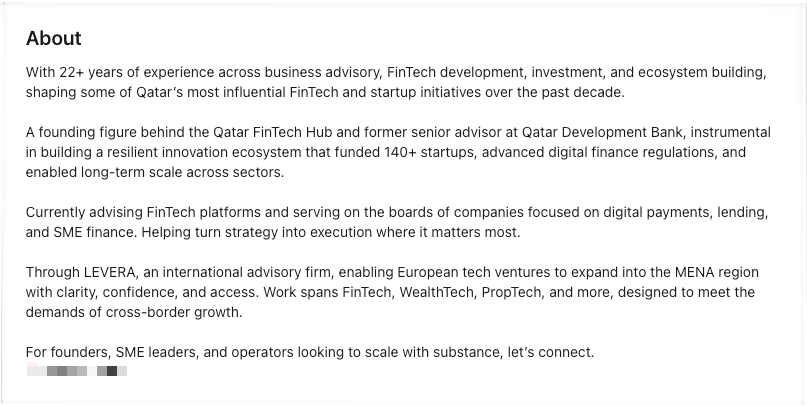
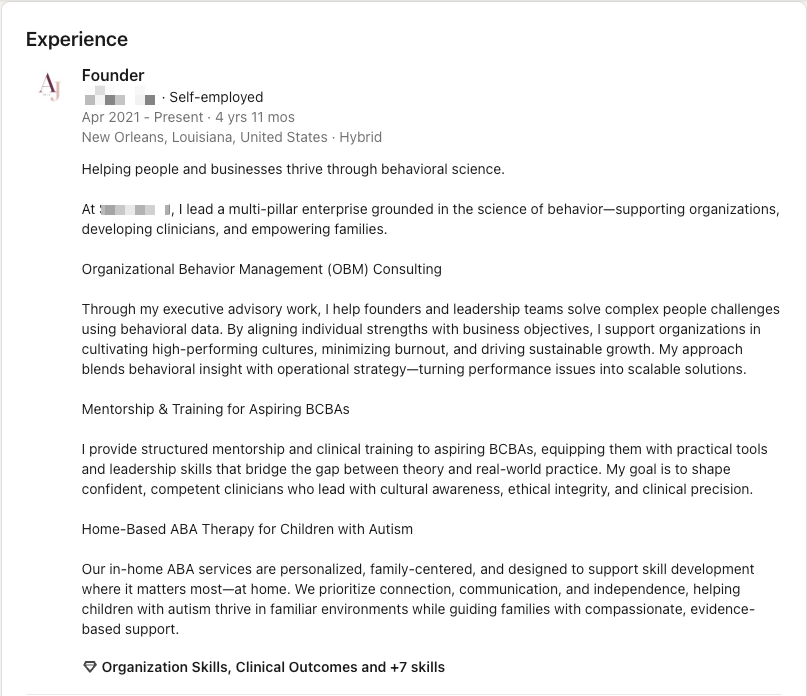
Most people use their Experience section simply to describe the companies they’ve worked at or the roles they’ve held. However, this section is the perfect place to include relevant keywords since it directly relates to your professional background. If some of your past experience feels unrelated to what you do now, focus on highlighting the skills that are still relevant to your current role.
In this section, people often get very technical and focus heavily on numbers. While numbers are important, make sure to also include clear, easy-to-understand language that anyone can grasp.
If it suits your personality, don’t hesitate to add a touch of humor or something personal to make your profile more relatable and engaging.
Skills Section
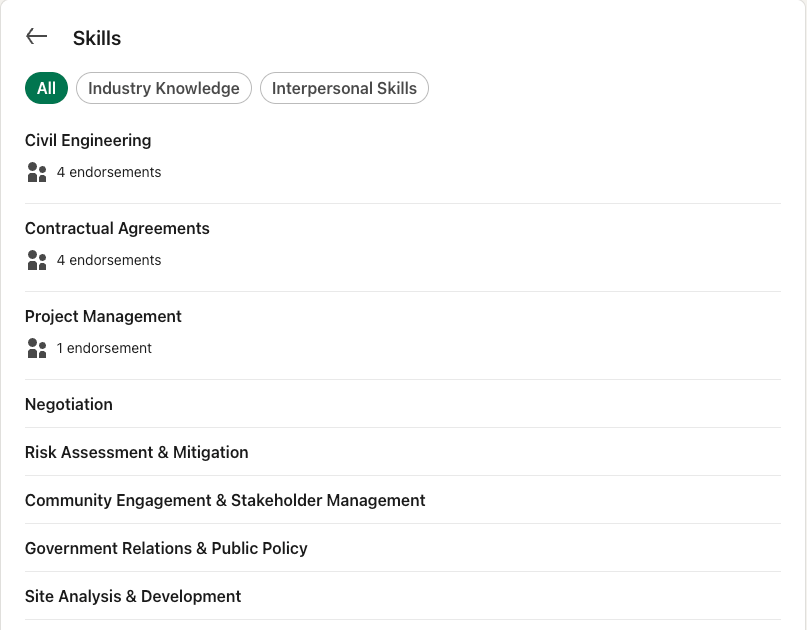
This section could almost be called the “keywords” section because, honestly, that’s its main purpose. LinkedIn allows you to add up to 100 skills, so be strategic and add the ones most relevant and unique to you.
For example, instead of just adding a broad skill like “consultation,” get more specific with terms like “business consulting,” “B2B sales,” or “profitability strategy.” This helps your profile stand out in searches and better reflects your expertise.
Think about the skills your ideal clients or employers would search for, and include those, especially those that set you apart from others in your field.
Quality of Images
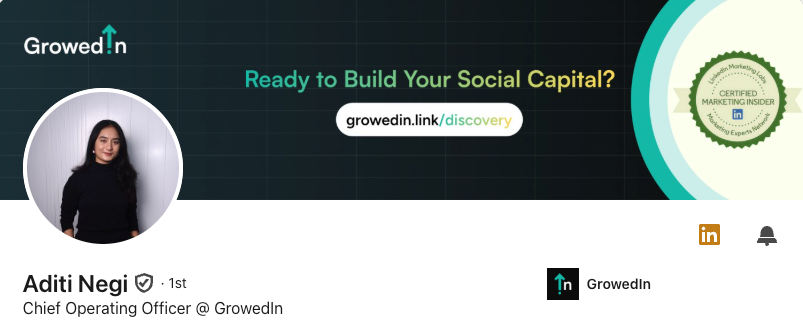
Whether it's your profile photo or banner, poor-quality visuals, especially AI-generated or pixelated ones, can hurt how your profile is perceived. LinkedIn favors clear, professional-looking headshots.
Also, when adding images to your posts, use the alt text feature to include relevant keywords. It’s a small step, but it helps with discoverability and search ranking.
Custom URL
Your default LinkedIn profile URL is a messy string of numbers. But you can easily edit it. A clean, keyword-rich URL is easier to remember, more professional, and can boost your visibility in both LinkedIn and Google search.
Examples:
linkedin.com/in/janesmith-salescoach
linkedin.com/in/rahul-productdesigner
linkedin.com/in/oliver-techstrategy
It takes less than 2 minutes.
Go to your profile > top-right corner > “Edit public profile & URL” > Customize.
LinkedIn Profile Completion
As already mentioned, LinkedIn works through compounding efforts. You can’t just get one thing right and sit back waiting for results. You need to get everything you can right. That’s why completing your profile is so important. LinkedIn favors fully completed profiles. It becomes a signal that you’re active and serious, which pushes you further in the algorithm. With every section you fill out, you also get more opportunities to naturally include relevant industry terms, which in turn improves your overall chances of showing up in search.
Commonly Skipped Fields
Every section is an opportunity to add relevant keywords and boost discoverability.
• Website: Add your company site in the relevant sections. (Experience, About)
• Industry: Helps job seekers and partners find you.
• Specialties: A goldmine for SEO, use keyword-rich phrases here.
• Location: Choose strategically, but keep it something nearby.
• Products: Each product listing lets you add keyword-rich descriptions and boosts visibility when users tag them as skills.
The more complete and keyword-optimized your profile, the better you’ll perform in LinkedIn search.
How LinkedIn Posts Impact SEO
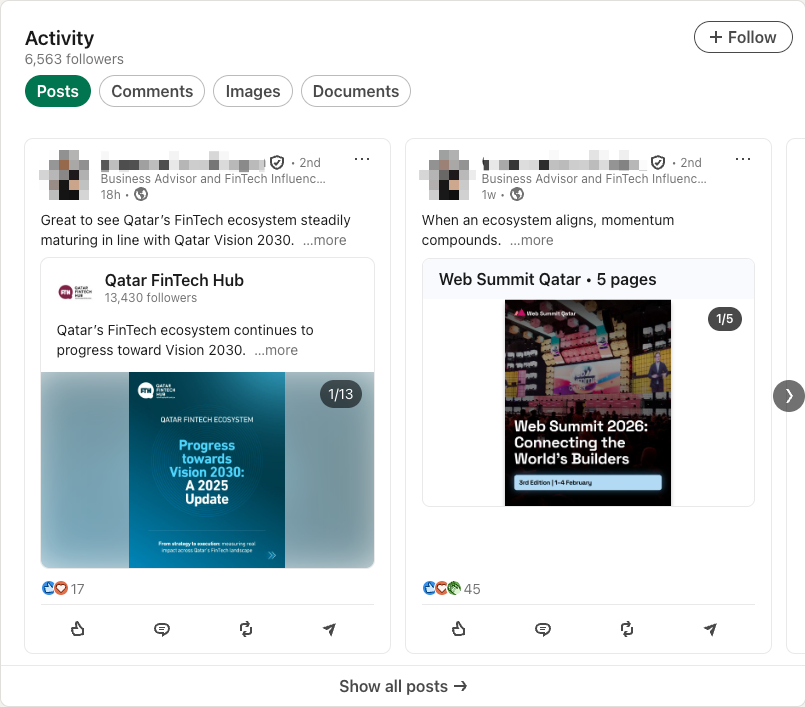
Posting regularly boosts your visibility, and it’s one of the easiest ways to improve your LinkedIn SEO. Each post becomes an opportunity to include key industry terms that help you show up in search. To make this work long-term, choose a few content themes (or pillars) that align with your expertise and your industry. Think of them as buckets you can consistently talk about from different angles.
When you keep showing up around the same topics, LinkedIn starts associating your profile with those themes. Over time, this consistent presence increases your keyword density, builds topical authority, and improves your chances of ranking higher in search results.
SEO-Optimized LinkedIn Articles
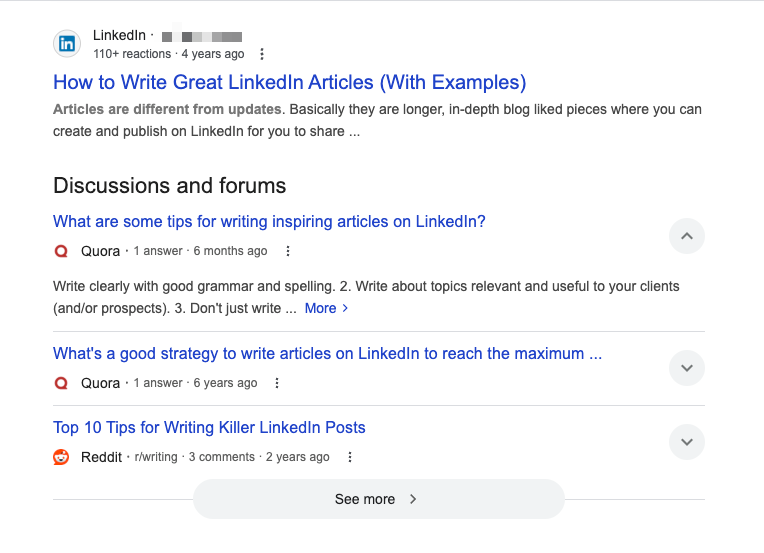
LinkedIn articles are a great way to deep-dive into topics that matter to your audience, and keep that content visible on your profile for longer. What’s even better? LinkedIn articles can be optimized for SEO.
Unlike blog posts on your own website, which take time to rank, LinkedIn articles are published on a high-authority domain. That means if you use the right keywords at the right density, your content can rank faster and show up when someone’s actively searching. If your article appears in their search results, there’s a strong chance they’ll click through and connect with you.
Visibility Signals (Beyond Keywords)
By now, you’ve structured your profile, picked your content pillars, and learned how to include industry keywords the right way. But LinkedIn SEO doesn’t stop at words or language. The platform also rewards how people interact with your content and profile, what it calls “member experience optimization.”
Some of the key elements include:
- Relevance: LinkedIn prioritizes content that aligns with the user’s interests, industry, and past engagement. That means sticking to your niche and showing up consistently matters.
- Engagement: Content that sparks comments, reactions, and saves signals high value to the algorithm. Ask thoughtful questions, share personal insights, and respond to comments to encourage more interaction.
- Format Variety: Posts, carousels, videos, and articles all perform differently. LinkedIn tends to favor content that keeps users on the platform longer, so experiment with richer formats like documents and native video.
- Profile Activity: Simply being active, commenting, posting around the same time, and updating your profile tells the algorithm you’re engaged, which can boost how often your content and profile are shown.
- Avoiding Spammy Behavior: LinkedIn penalizes overly promotional, clickbait-style, or irrelevant content. Be helpful, not salesy. By aligning with what LinkedIn sees as a good user experience, you not only improve your visibility but also build a stronger, more credible presence.
How to Measure the Impact of LinkedIn SEO
Optimizing your profile, posting consistently, and publishing thoughtful articles and newsletters, when done with intention, can build long-term credibility and drive real business impact. But over time, it’s natural to wonder: Are my efforts actually paying off?
You might be getting hundreds of likes or thousands of impressions, but no leads, collaborations, or meaningful conversations. That’s when you start questioning what truly matters. More specifically, how do you know if your LinkedIn SEO is working?
1. Profile Views
After optimizing your profile, you should see an increase in profile visits. This shows your headline, keywords, and content are helping the right people discover you.
2. Follower Growth
Even without outbound outreach, an optimized profile can steadily bring in new followers, especially if your headline, banner, and featured section clearly communicate your value.
3. Post Performance
Watch for higher impressions, saves, or shares. These are signs your content is aligned with what people are searching for.
4. Inbound Activity
DMs, connection requests, job inquiries, or collaboration offers are strong indicators that people are discovering and resonating with your profile.
5. Google Visibility
Try searching your name and title (e.g., “Isha Rao brand strategist”) on Google. A well-optimized LinkedIn profile often appears on the first page.
Together, these signals help you move beyond vanity metrics and assess whether your LinkedIn presence is driving visibility, trust, and opportunities.
Conclusion
LinkedIn SEO is one of the few, but very important, aspects of driving traffic to your profile. It is often framed as something complex, but at its core, it is simply about good writing and communication. It is about staying relevant and keeping your audience in mind when you talk about yourself.
GrowedIn specializes in turning LinkedIn profiles of executives into a social capital engine. We’ve spent years mastering the platform, so you don’t have to. Schedule a call and let’s explore how we can build your LinkedIn brand together.

Frequently Asked Questions
Does optimizing LinkedIn for SEO make your profile feel needy or dull?
LinkedIn SEO is clear, relevant messaging presented in the best possible way. It should reflect your value in the language your audience already uses.
What happens if you stuff keywords into your headline and profile sections?
That is a common rookie mistake. Both the algorithm and your readers can tell when language feels forced. Executives should aim for strategic, natural phrasing.
How is LinkedIn SEO different from general SEO?
They work on similar principles such as keywords, relevance, and completeness, but LinkedIn SEO is specific to what LinkedIn prioritizes in search results, feeds, and profile rankings.
Do I need separate SEO for Google if I have optimized LinkedIn?
No. A well-optimized LinkedIn profile can rank on Google too, especially for name + role or niche-based searches. LinkedIn’s high domain authority supports this.
Which ranks better on Google: LinkedIn posts or LinkedIn articles?
LinkedIn articles rank better on Google. They’re longer-form, indexed, and stay attached to your profile long-term, making them better for evergreen visibility.
Do I need to be an SEO expert to optimize my LinkedIn profile?
Not at all. You just need a solid understanding of your audience, industry language, and LinkedIn fundamentals. Basic keyword research is enough; no deep technical knowledge needed.
Can adding SEO to my profile help me attract better leads or opportunities?
Yes. When your profile shows up in the right searches and clearly communicates what you offer, it filters out the noise and attracts relevant opportunities.
LinkedIn SEO: Best Practices to Boost Your Visibility
- LinkedIn SEO helps your profile rank higher in searches on both LinkedIn and Google, making you more discoverable to your ideal clients and talent.
- Choosing the right keywords means balancing industry jargon with what your audience searches for; use tools like Ahrefs to find these terms.
- Avoid keyword stuffing; instead, sprinkle keywords naturally throughout your profile, especially in your headline, About section, and experience descriptions.
- External links in LinkedIn posts may reduce reach, so share them strategically in comments or articles.
- Complete your profile fully, including often-skipped fields like website, specialties, and products.
- High-quality images (profile photo, banner) and keyword-rich alt text on post images enhance your profile’s perceived quality and SEO.
- Customizing your LinkedIn URL to include your name and relevant keywords makes your profile easier to find and share.
- Posting consistently on LinkedIn using a few focused content pillars improves keyword density, builds topical authority, and increases your profile’s visibility.
- Writing SEO-optimized LinkedIn articles offers longer-lasting content on your profile and ranks faster than website blogs due to LinkedIn’s domain authority.
- Measure LinkedIn SEO success by tracking profile views, follower growth, post engagement, inbound messages, and Google search ranking for your name and role.


Insights Hub
Employer Branding on LinkedIn

The Best Time To Post on LinkedIn In 2026