

3 LinkedIn Profile Optimisation Tips Nobody Talks About

What You’ll Learn in this Issue
- How a clean, personalized LinkedIn URL improves discoverability and professionalism
- Why consistent activity (posts and comments) shapes how others perceive your profile
- How leveraging sections like patents and publications can help you stand out from peers
Millions of executives, entrepreneurs, and thought leaders have accounts on LinkedIn for one or both of two reasons: to know and to be known.
That’s why you need an engaging, trustworthy, optimised LinkedIn profile. An “optimised” LinkedIn profile, simply put, has all elements filled, and filled correctly, so that they all add up to form a highly esteemed persona for you.
Most LinkedIn users prioritise aspects such as the headline, profile picture, About section, and banner. But there are additional sections that, when optimised, could help make your profile stand out. Let's take a closer look at these.
Tip 1: Your LinkedIn URL matters more than you think.
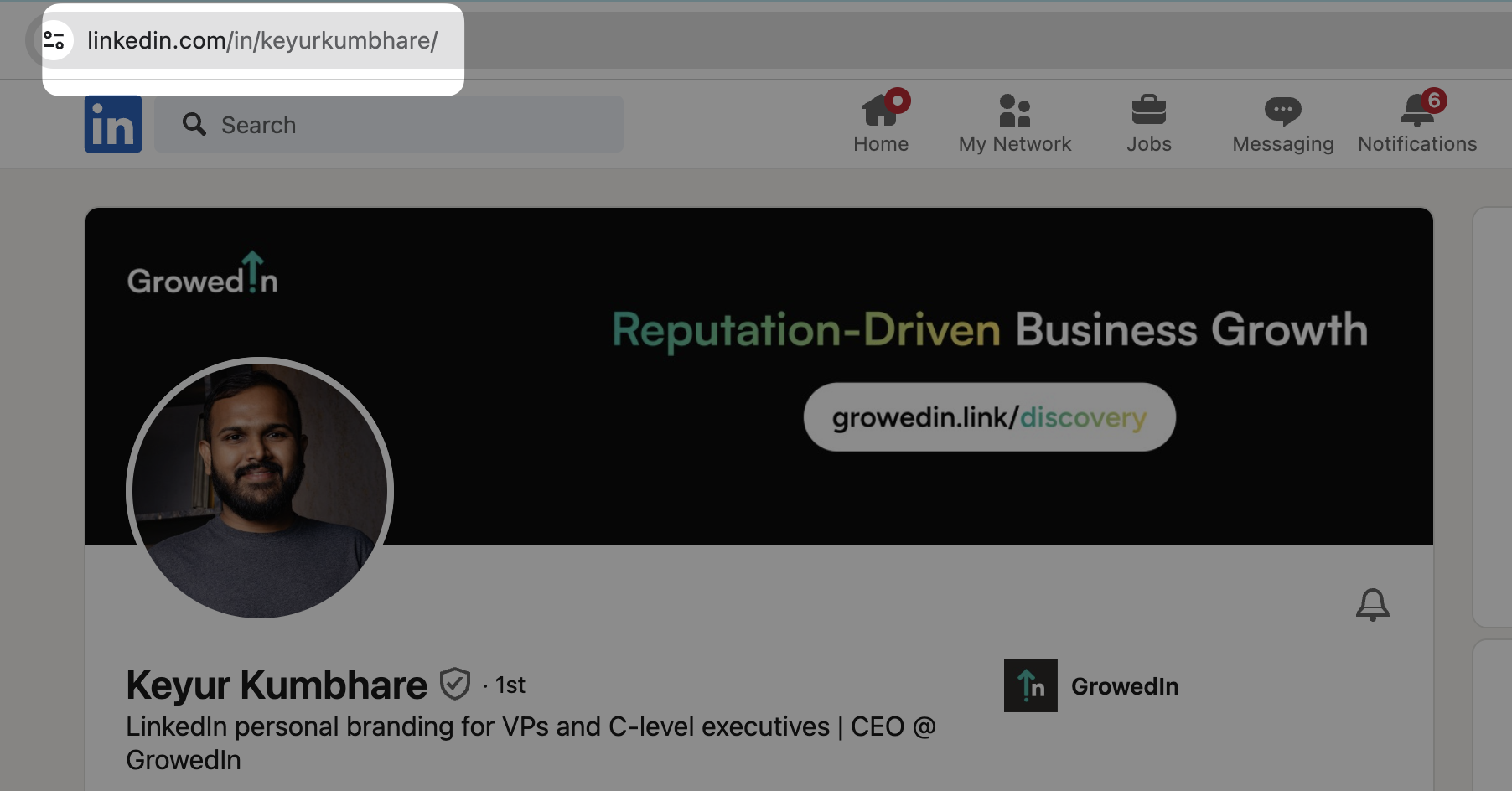
When you first create an account on LinkedIn, you are given a default URL by the platform. You might find a combination of alphabets and numerals separated with hyphens to resemble your name.
The first favour you can do to your LinkedIn profile is to get rid of that encoded junk and replace it with a clean personalised set of letters forming your name. If that is unavailable, append a couple of relevant hyphens or add in your initials, and you’ll find yourself a LinkedIn profile URL that is readable and not messy.
Why should you do this?
The purpose this plays is a lot like a clean “first name - last name” like email address. It becomes easy to type out should someone look up your LinkedIn profile.
Tip 2: Your activity on LinkedIn forms a huge part of your Profile Optimisation.
Try looking up someone’s LinkedIn profile today. A huge portion of their profile will be occupied by their “Activity” section. This part reflects all your online activities like commenting, posting, resharing, and reacting to posts. From the external view, your latest 3 posts are displayed. Comments that you put out even a year ago can be visible on your profile if you haven’t made any other proactive LinkedIn output.
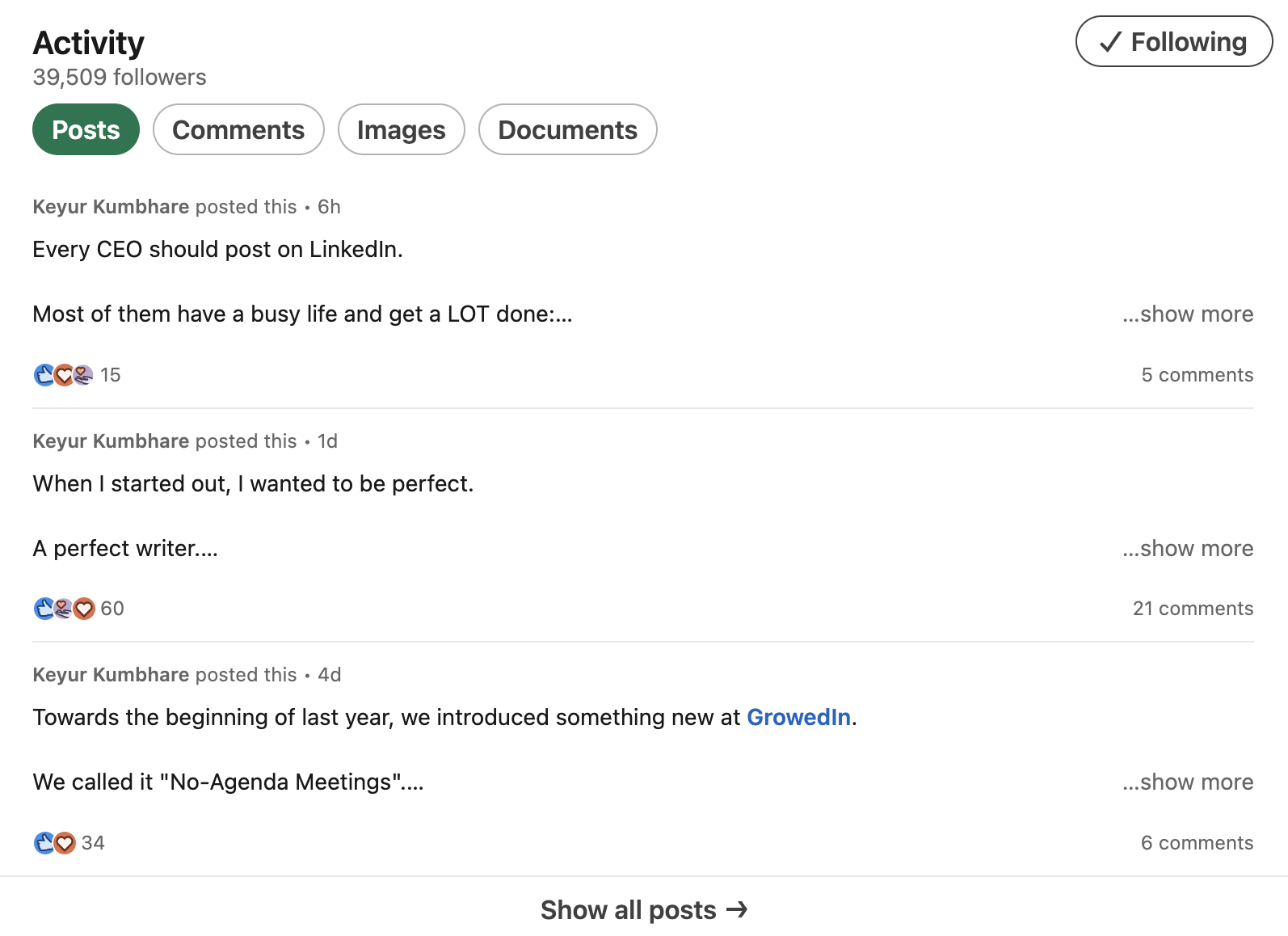
If there are very old comments or posts in your Activity section, your profile comes across as dead or inactive. That’s why it’s important that you regularly either put out posts on your profile or publish substantially valuable comments on other posts. This way, prospects that land up on your profile will know what you invest your energy into and are interested in.
Tip 3: There is a Patents and Publications section too.
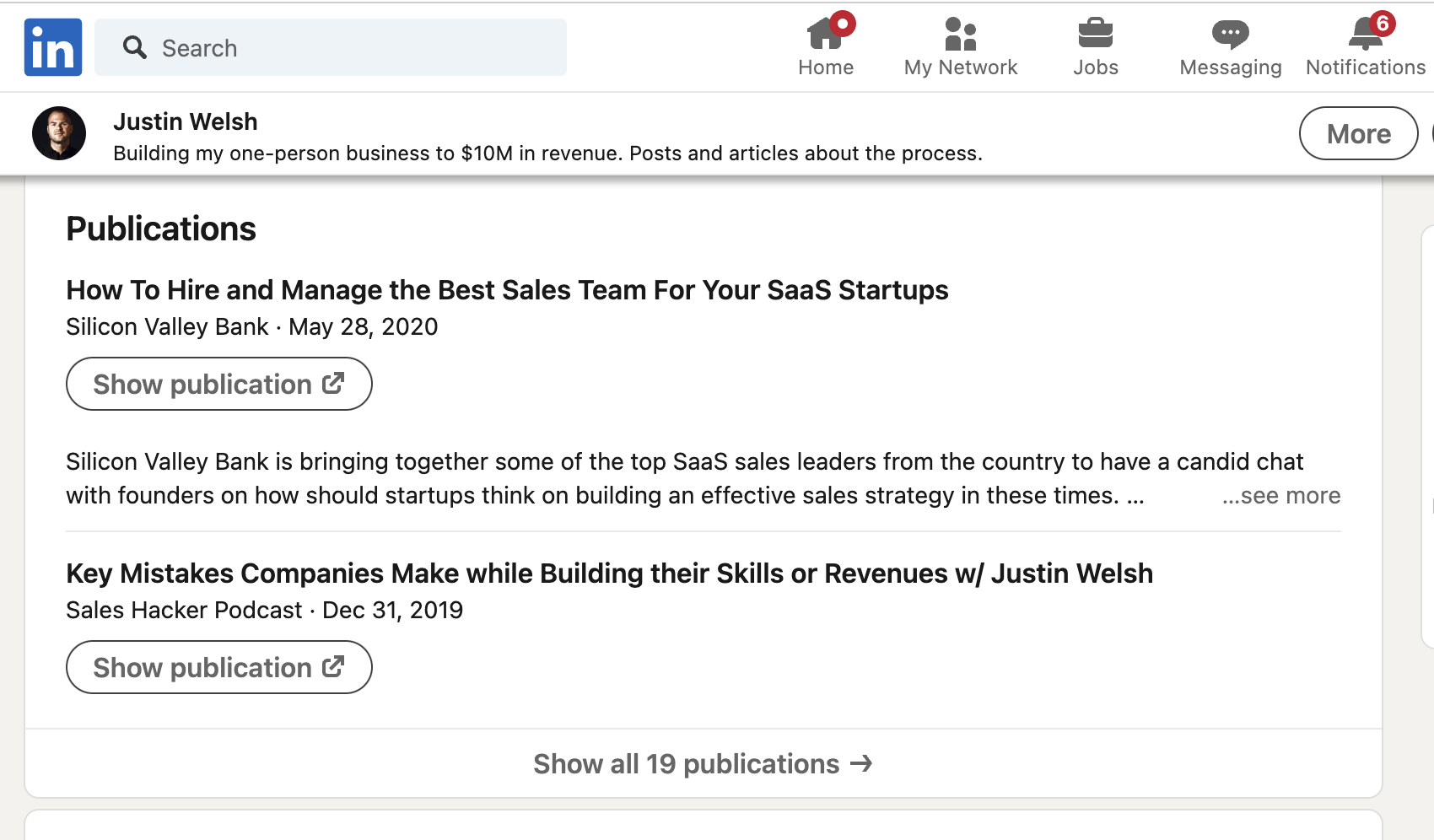
If you wish to upload official documents of patents that you have won or important publications that you have authority over, then LinkedIn gives you a separate space apart from the Featured section to do so.
You will find this section when you click on the “Add profile section” button and scroll down to the “Additional” option. This special dashboard will stand out since not many of your peers might have patents on their name!
Haven't tried these features yet? I highly recommend giving them a try.


